- Click this link https://eu1.proofpointessentials.com
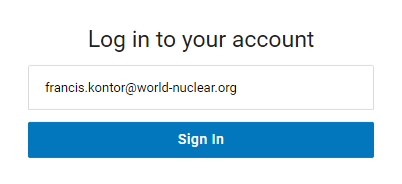
- Log in to the Proofpoint Essentials Console using your WNA email address.
- Click sign in.
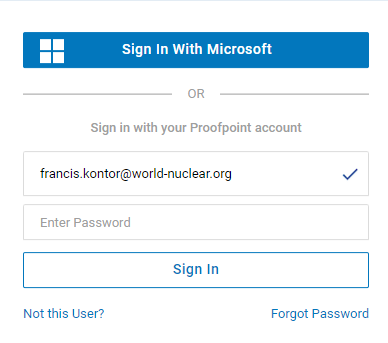
- Click sign in With Microsoft.
- Under the Tools sidebar, click Log Search.
- Choose the directional Type (inbound/outbound), specify a Date Range and leave the status as Quarantined.
- You can further specify the search criteria using the From, To and Subject fields.
- Click Search.
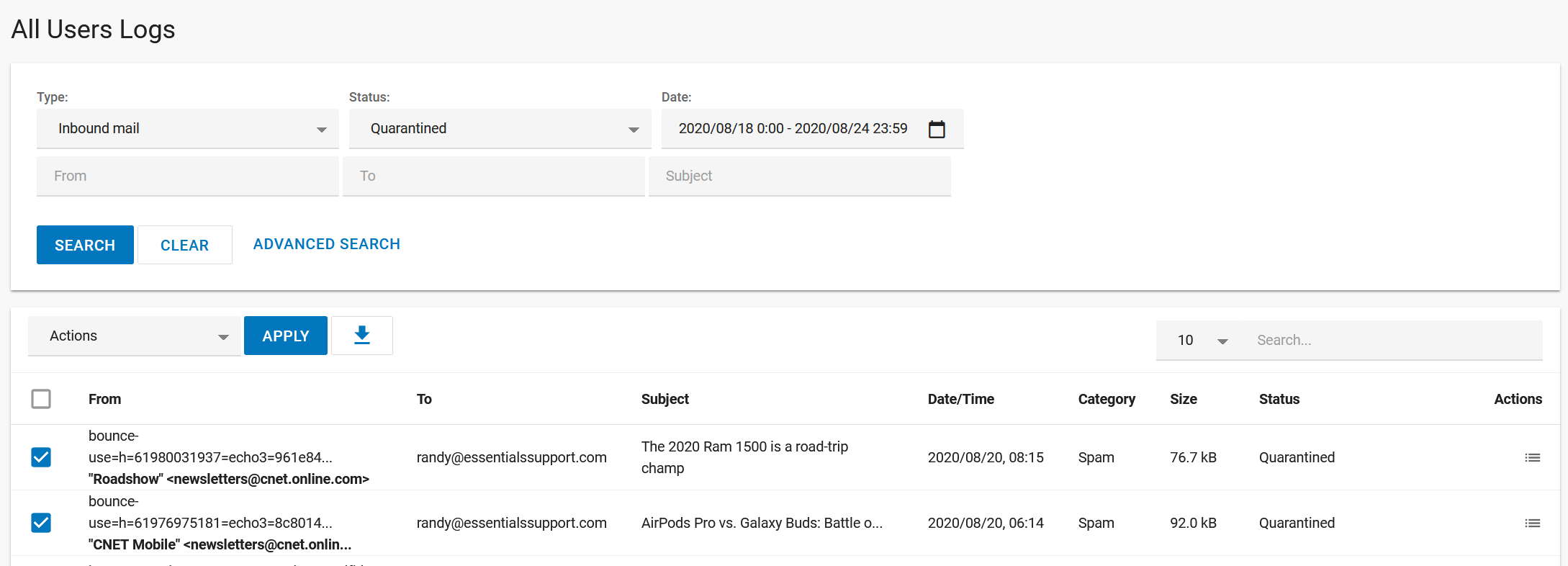
- From the results returned, check the box on the row of the email that you wish to release.
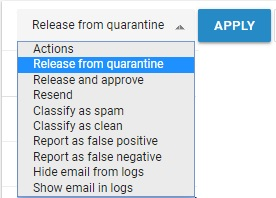
- Click the Actions dropdown and select Release from Quarantine.
- Click Apply - this will release the selected email(s) and deliver them to their intended recipient.
Was this article helpful?
That’s Great!
Thank you for your feedback
Sorry! We couldn't be helpful
Thank you for your feedback
Feedback sent
We appreciate your effort and will try to fix the article