Download the OWL Labs App from the Microsoft Store https://www.microsoft.com/store/productid/9P26KX2L1XBV?ocid=pdpshare
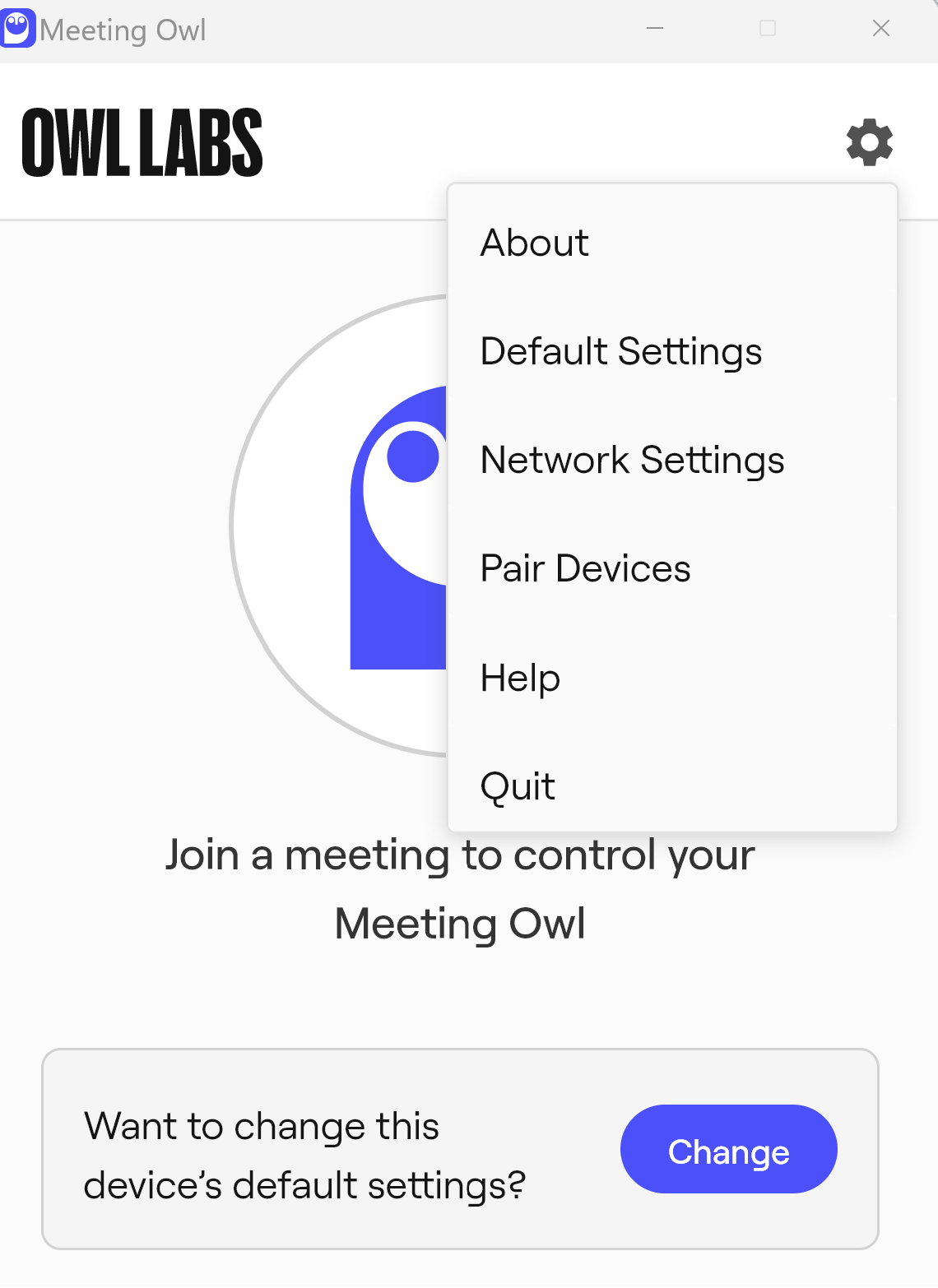
Open the OWL Labs App and select the Gear icon in the Top Right and select Pair Device
Click Next & Click Find Nearby Devices
The App will now search for the closest OWL Camera.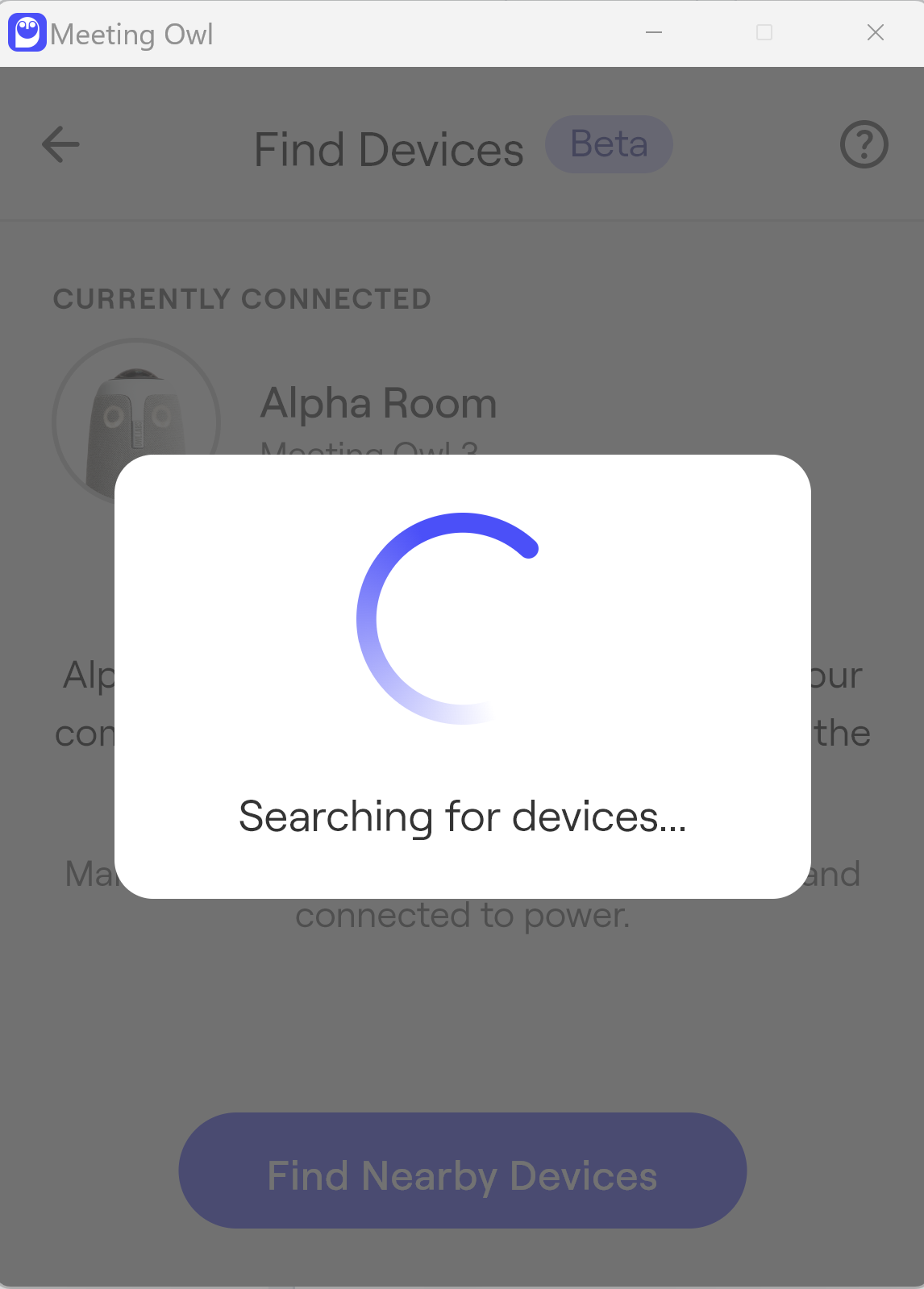
In this scenario it is the BETA room OWL camera
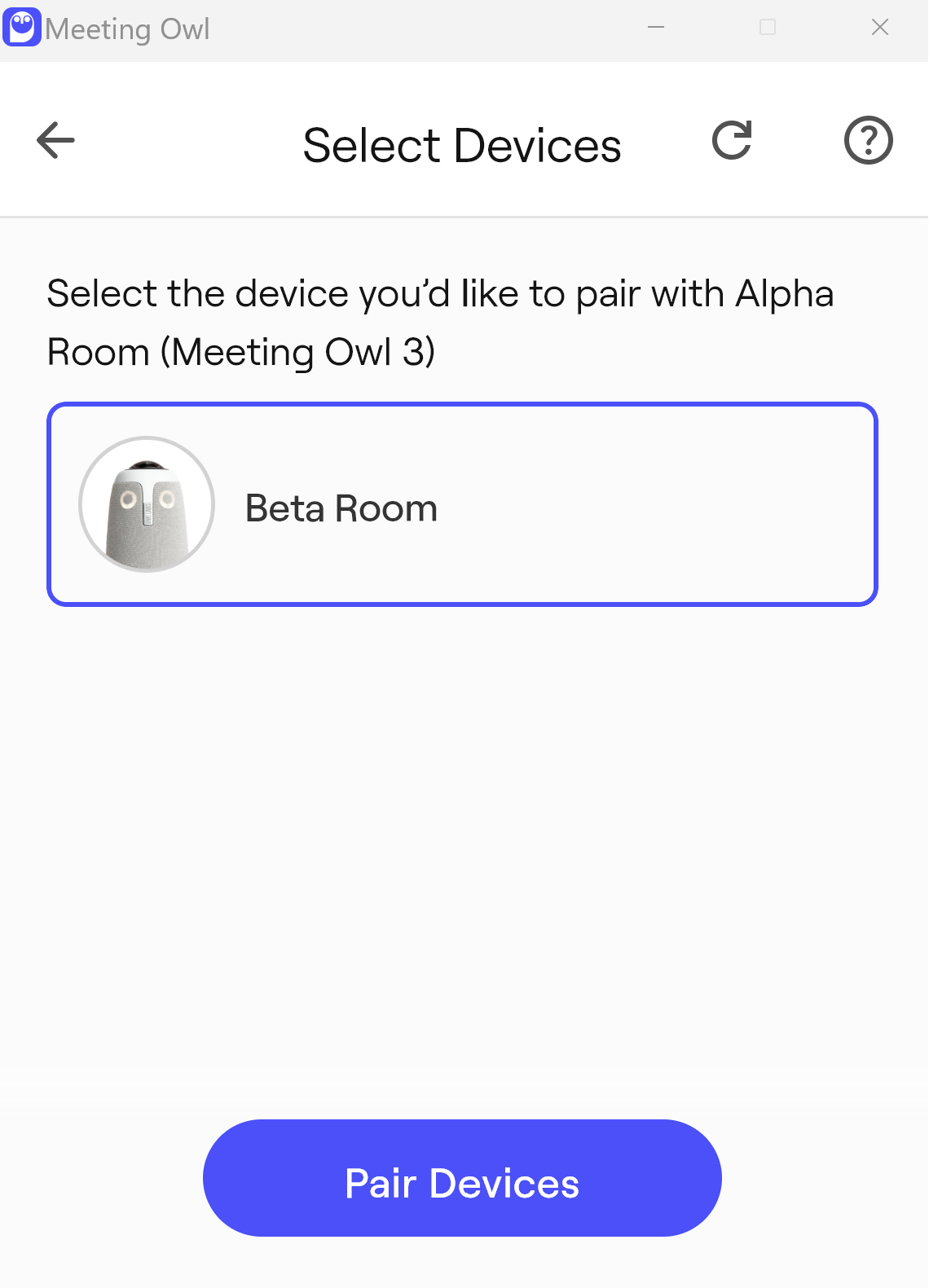
Select BETA Room & select Pair Devices
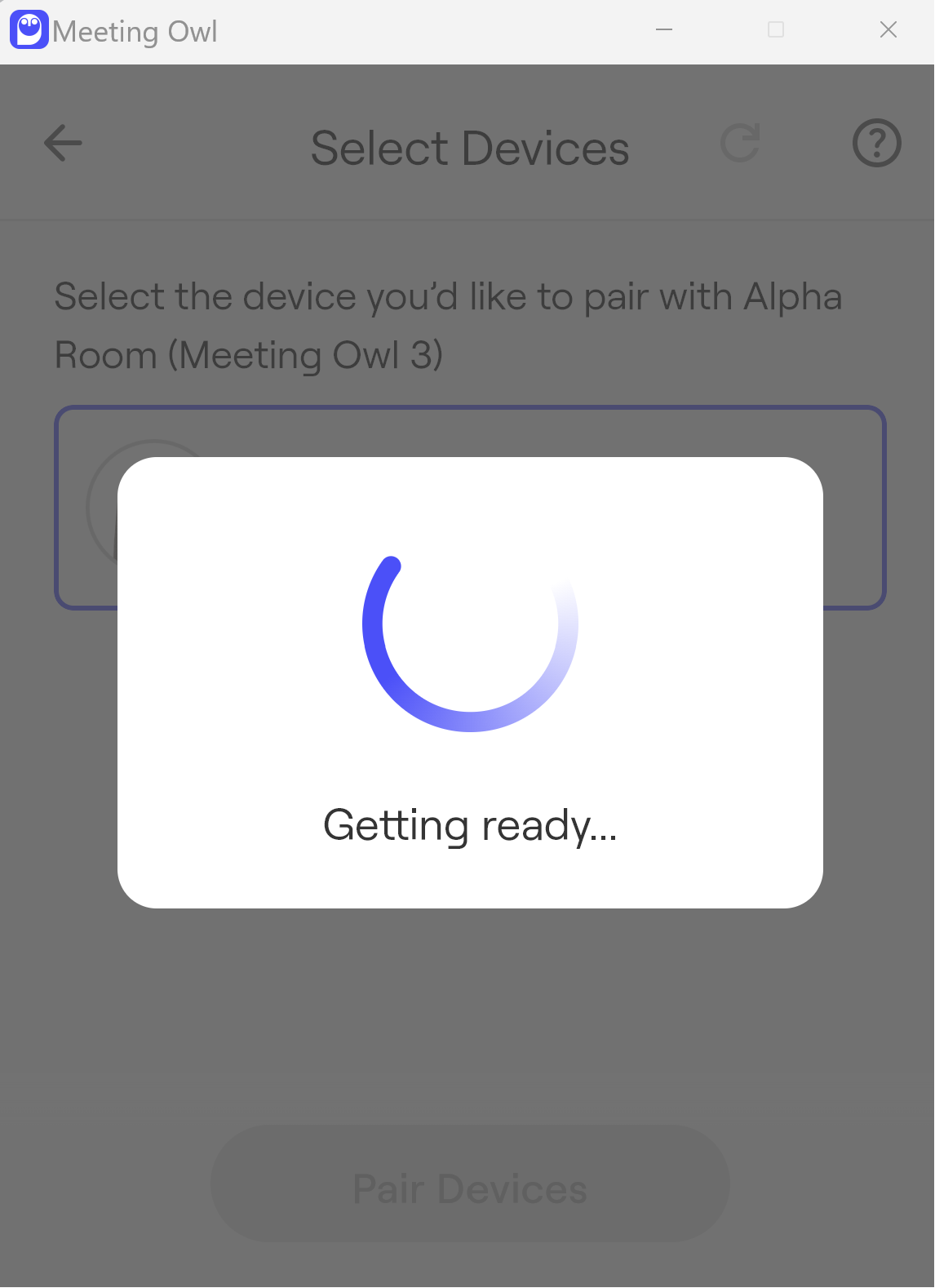
The App will now prepare the second device (BETA Room) to be paired with the primary device.
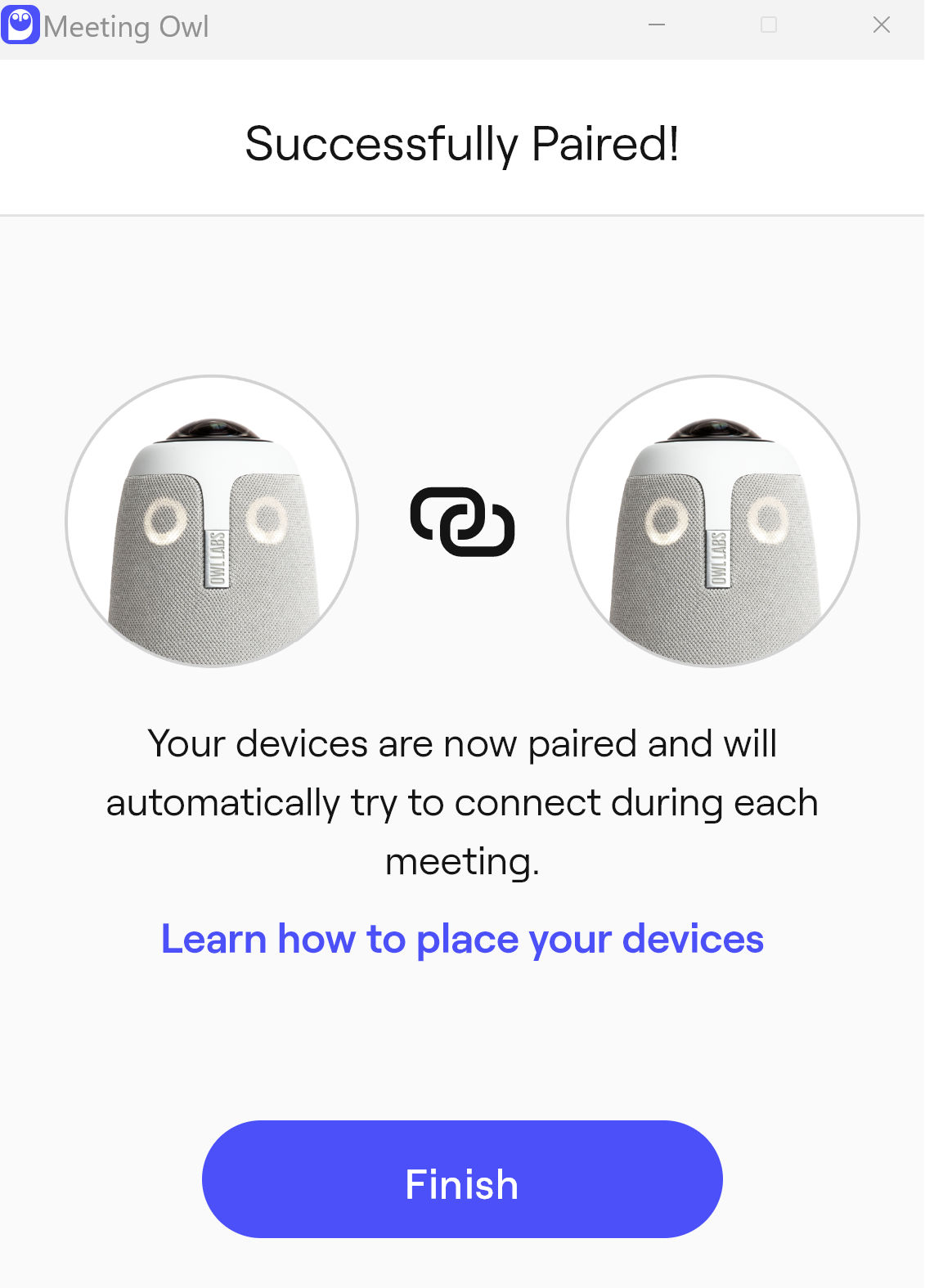
Click Finish
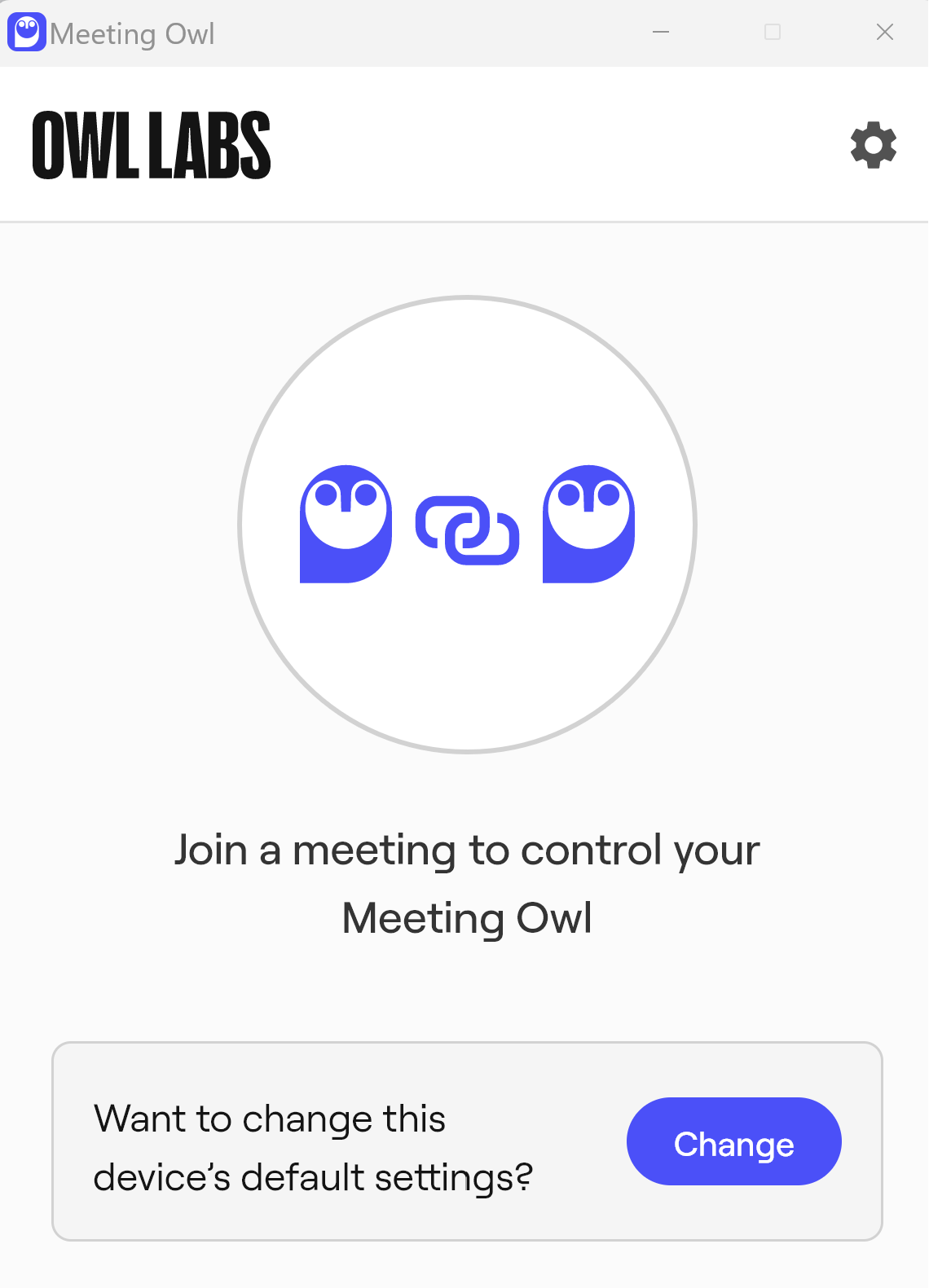
You have now successfully paired two OWL devices.
Was this article helpful?
That’s Great!
Thank you for your feedback
Sorry! We couldn't be helpful
Thank you for your feedback
Feedback sent
We appreciate your effort and will try to fix the article