The water tap will not work if the leak detection system has gone off and/or been reset, so the console for the water tap needs to be reset too.
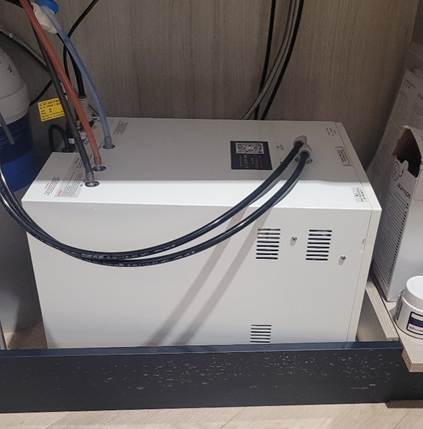
- The console for the water tap is located in the same cupboard area as the leak detection system. You may need to pull the console out so you can see the menu screen on the front.
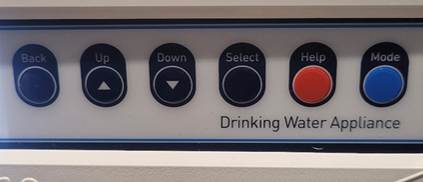
2. To reset, press the Help button and then the Mode button.

3. The system will then reset. The two dots on the water tap will then be flashing yellow. This means that the tap is getting ready and will not pour water yet.
4. Once the lights on the tap stop flashing and remain a steady green then the tap is ready again to be used.
Was this article helpful?
That’s Great!
Thank you for your feedback
Sorry! We couldn't be helpful
Thank you for your feedback
Feedback sent
We appreciate your effort and will try to fix the article