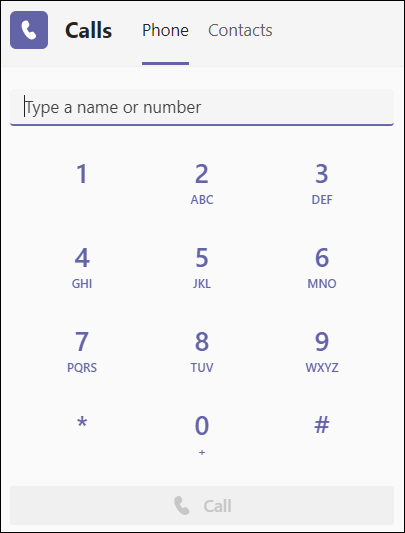
The dial pad can be used like a typical phone to make a call to a phone number. (You can also type in names or groups.)
To dial a number from Teams, go to Calls  , and then enter the number of the person you want to reach by using the dial pad located on the left. Then click Call
  .
.
Was this article helpful?
That’s Great!
Thank you for your feedback
Sorry! We couldn't be helpful
Thank you for your feedback
Feedback sent
We appreciate your effort and will try to fix the article