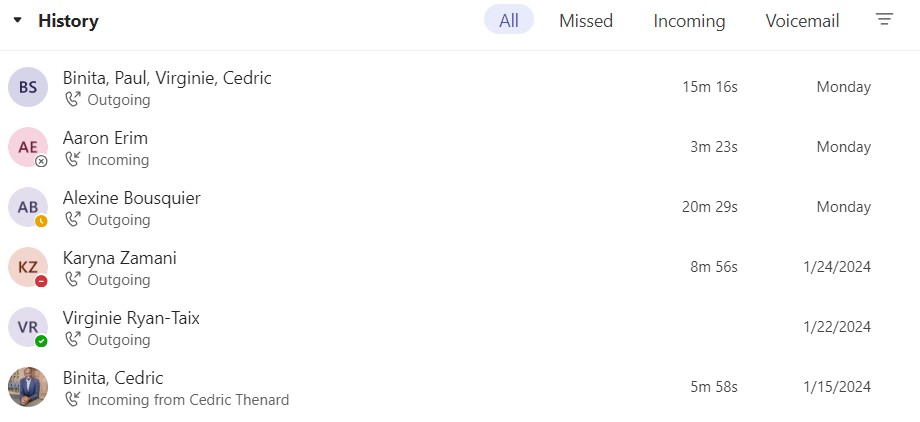
Your call history is located in the center of the calls experience and shows a list of past calls (including missed calls).
Go to Calls  > History. From any call in the list, select More actions
  > Call back
  to begin a call automatically.
You can also chat with that contact, add them to speed dial, and add them to your contacts—all from the More actions menu.
Was this article helpful?
That’s Great!
Thank you for your feedback
Sorry! We couldn't be helpful
Thank you for your feedback
Feedback sent
We appreciate your effort and will try to fix the article